Summary
This article describes how to apply a new TRBOnet license using the License Manager.
The TRBOnet service must be restarted to apply a new license. During the restart, dispatchers disconnect from the server temporarily and reconnect after the service starts.
Steps
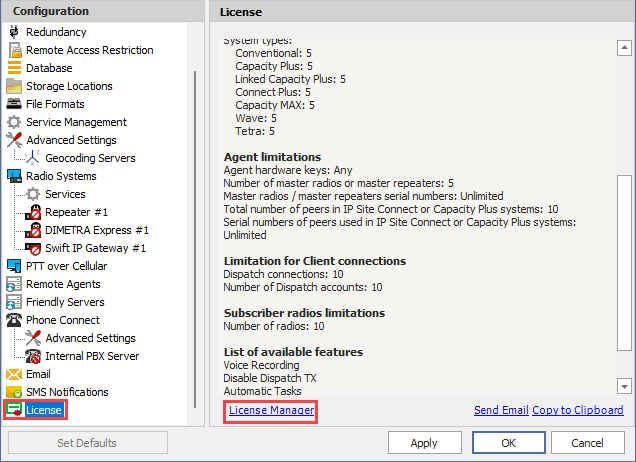
1. In the TRBOnet Server Configurator go to tab and click the link in the right pane.
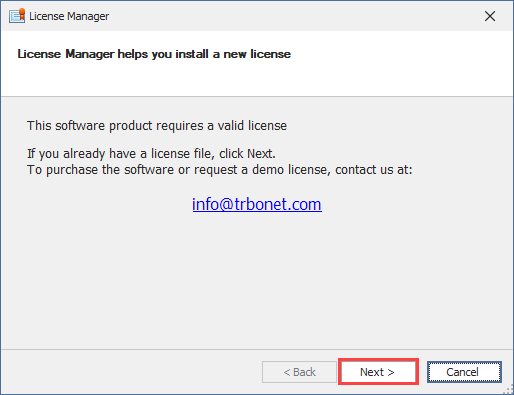
2.Click
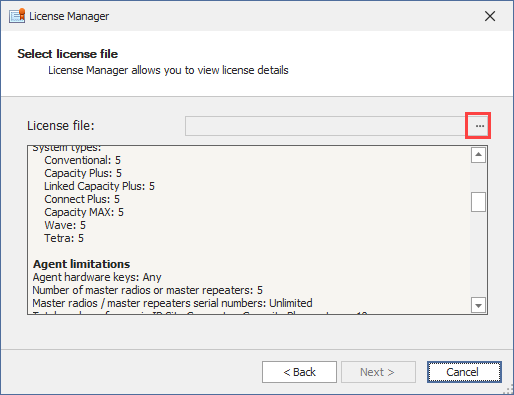
3.Click the ellipsis button next to the License file box, select the new license file, click →
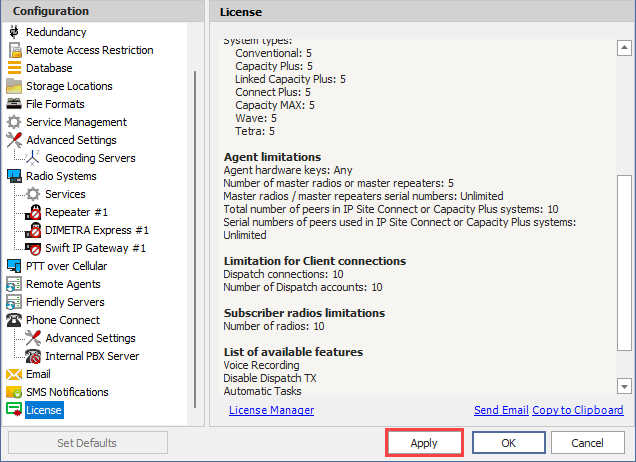
4.Click to restart TRBOnet service and activate the new license.
A Regular License is not compatible with the TRBOnet License Server and vice versa. Please refer to the License Server guide available on the Technical Documentation site.