This article describes how to generate a QR code containing server connection parameters for Mobile Client users.
QR code generation is supported starting from Mobile Client version 2.5.74 or newer.
Steps
1. Open the Mobile Client interface and create a new server connection profile.
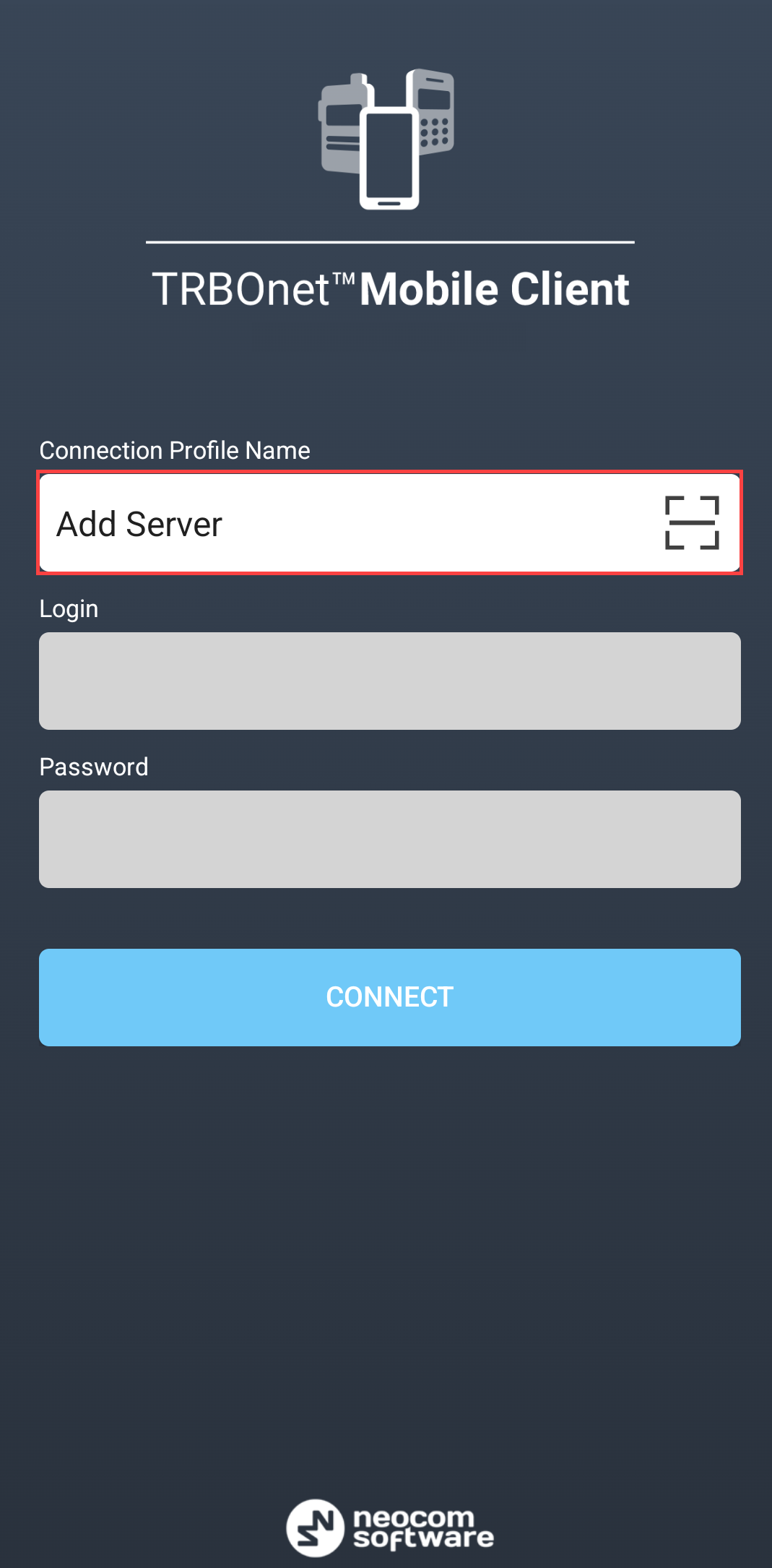
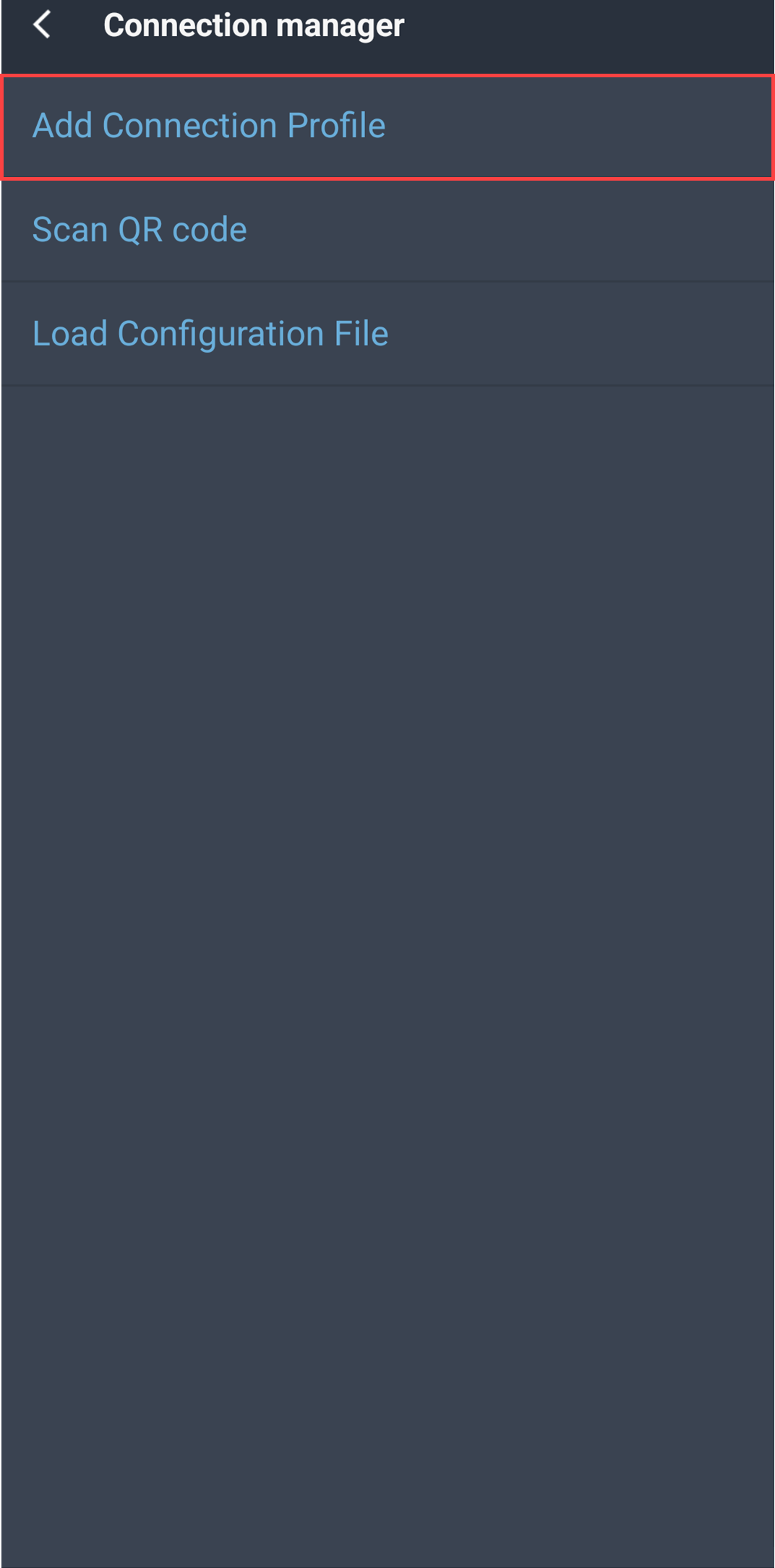
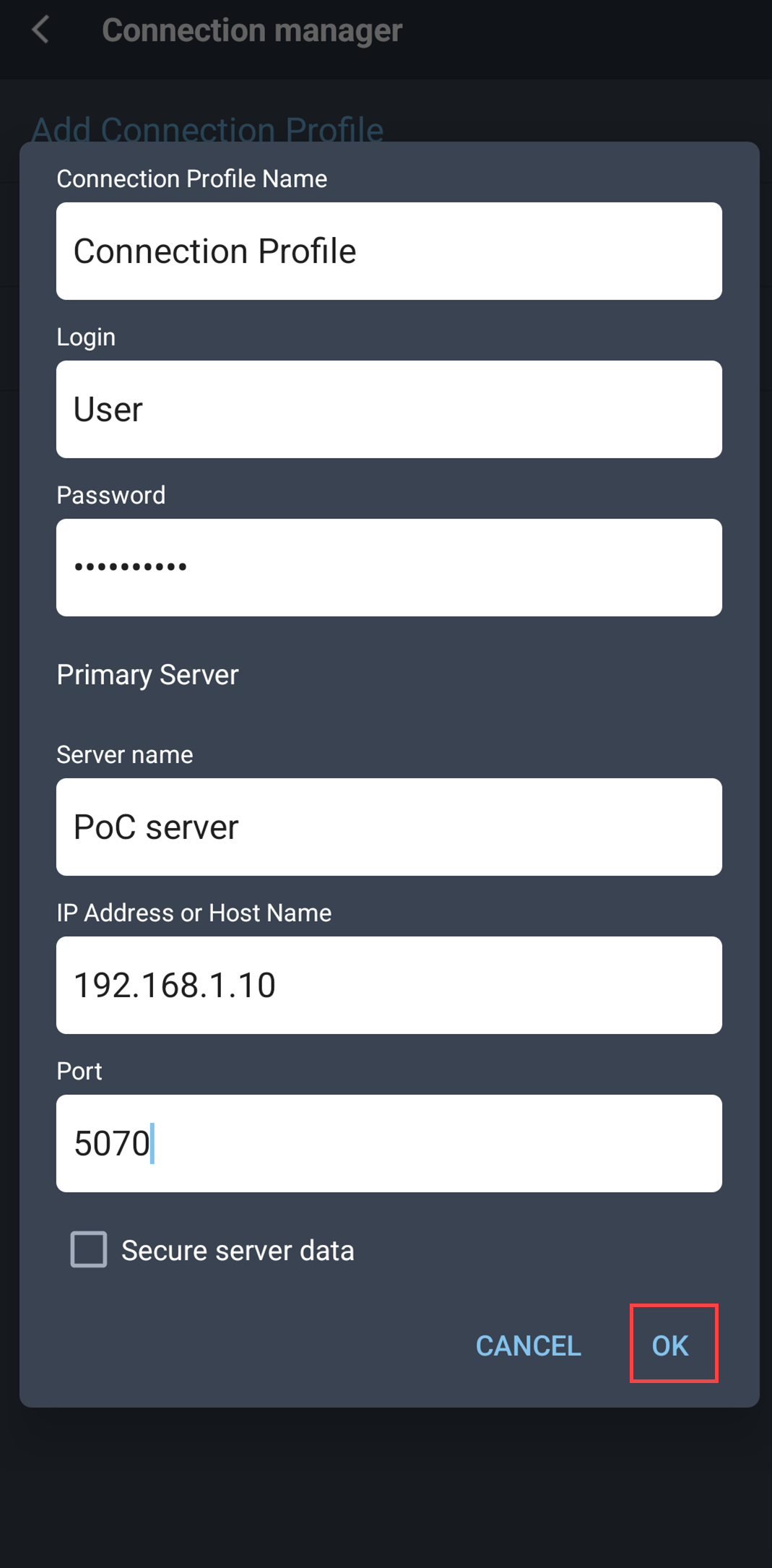
2. Click the icon next to the created profile.
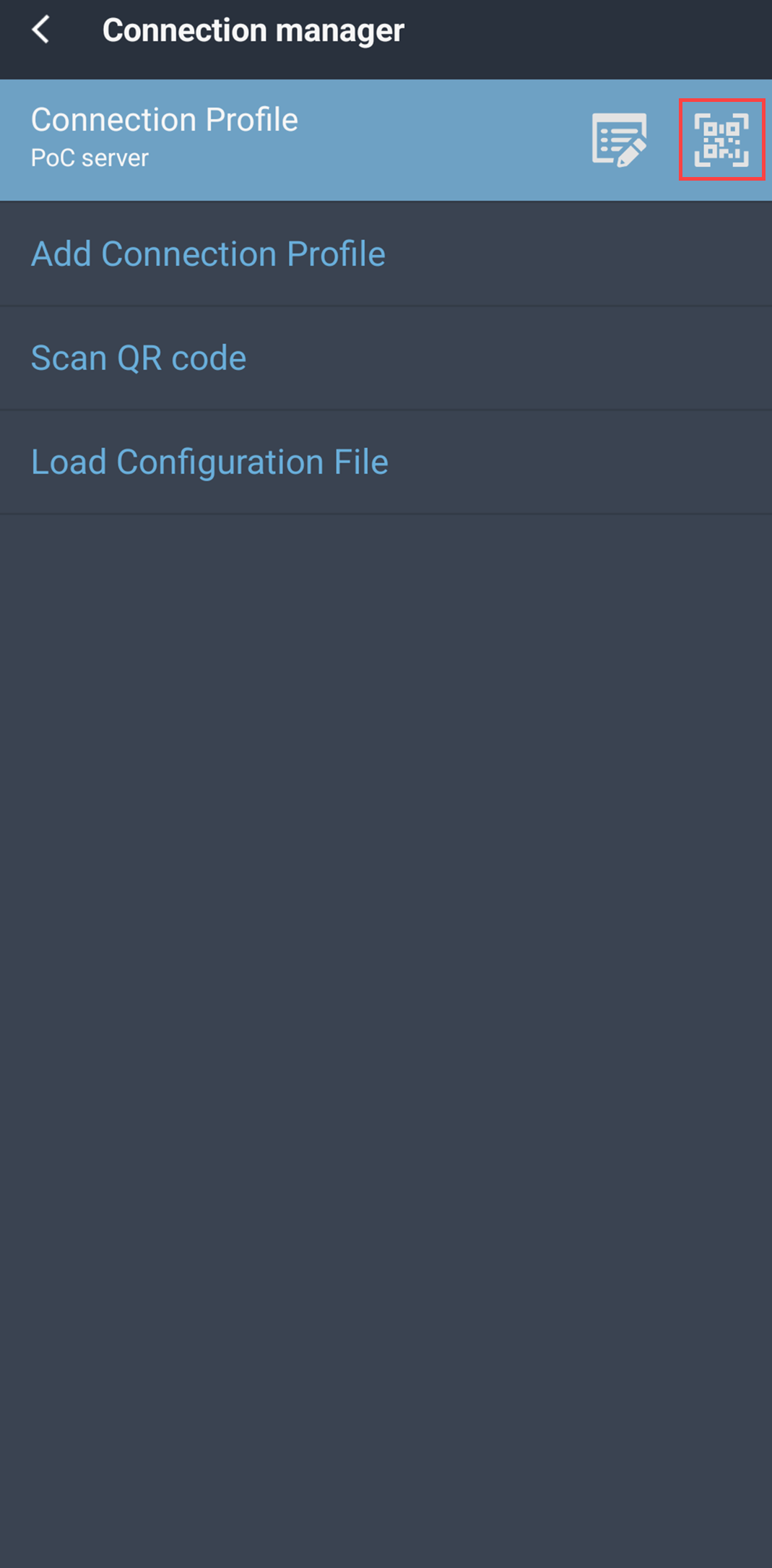
3. Select .
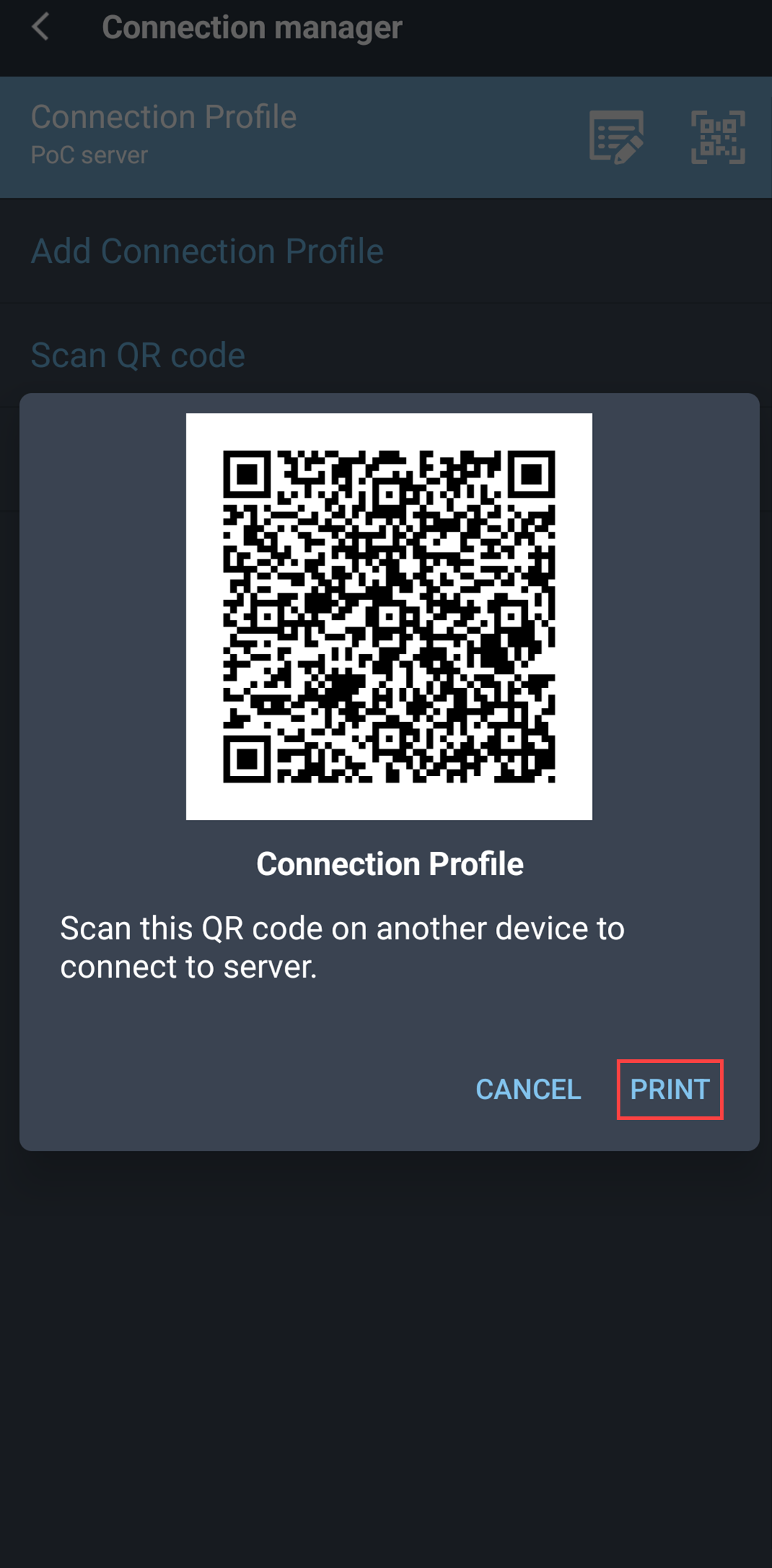
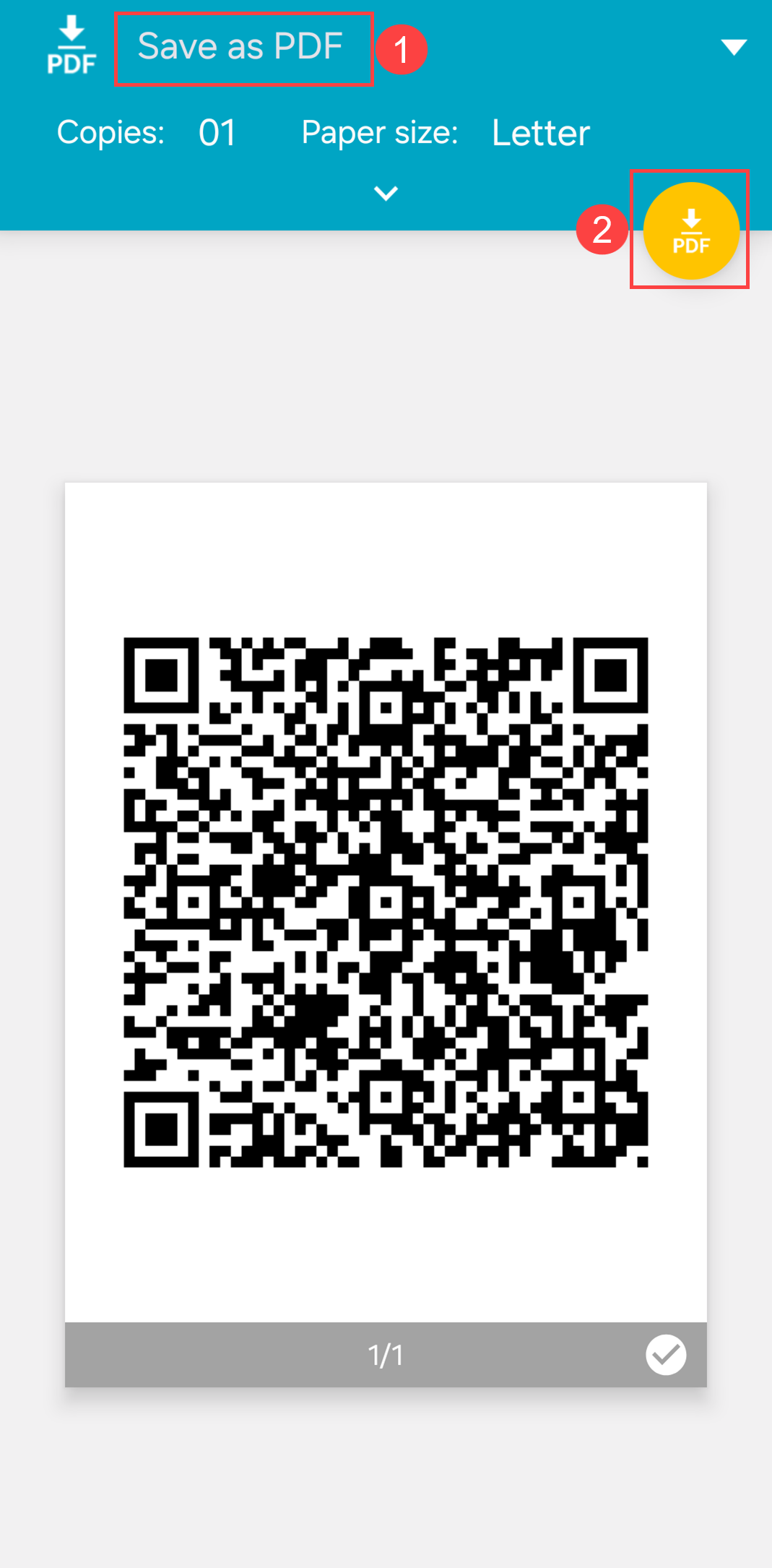
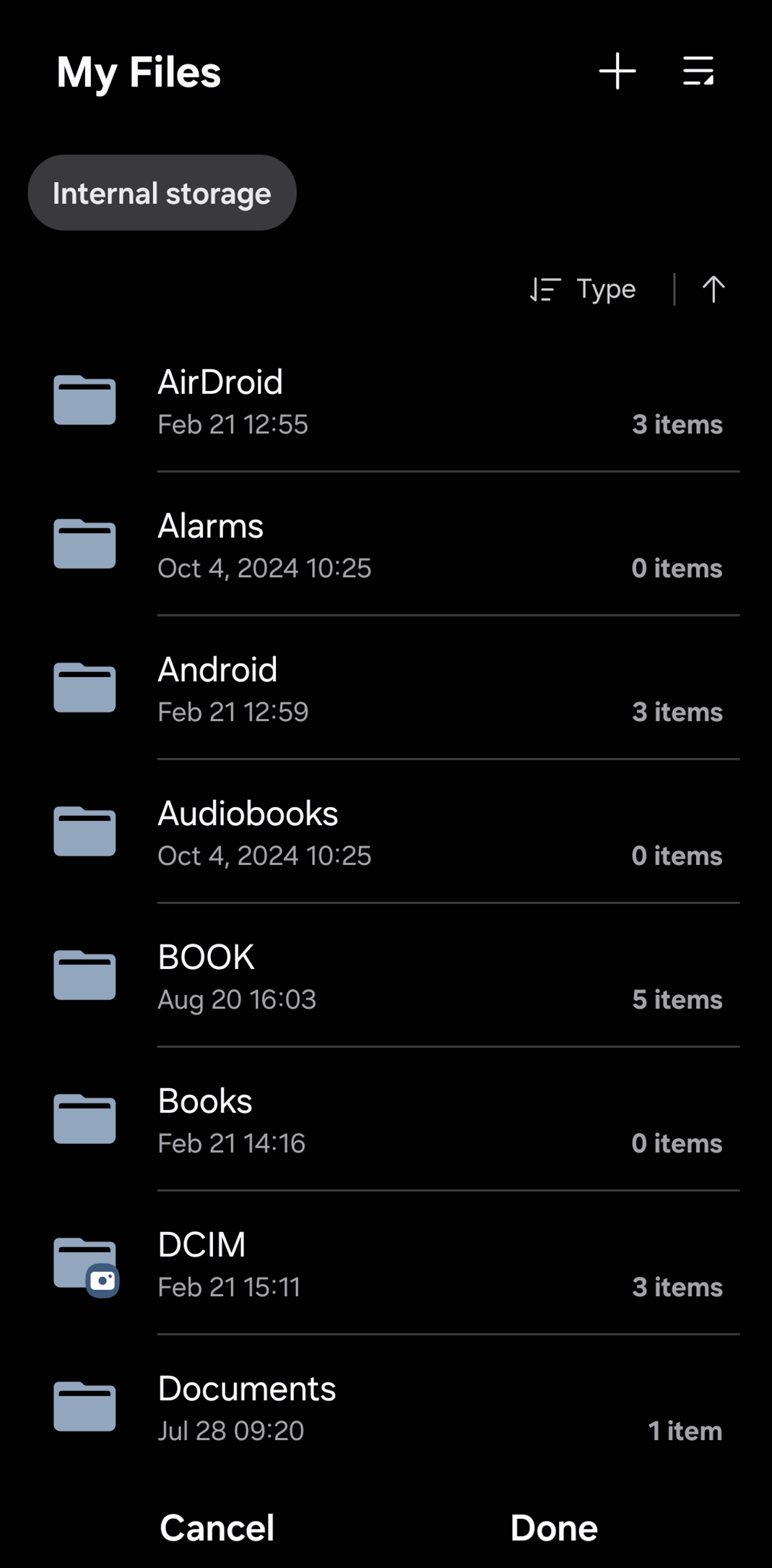
4. In the print dialog choose and select a destination folder.
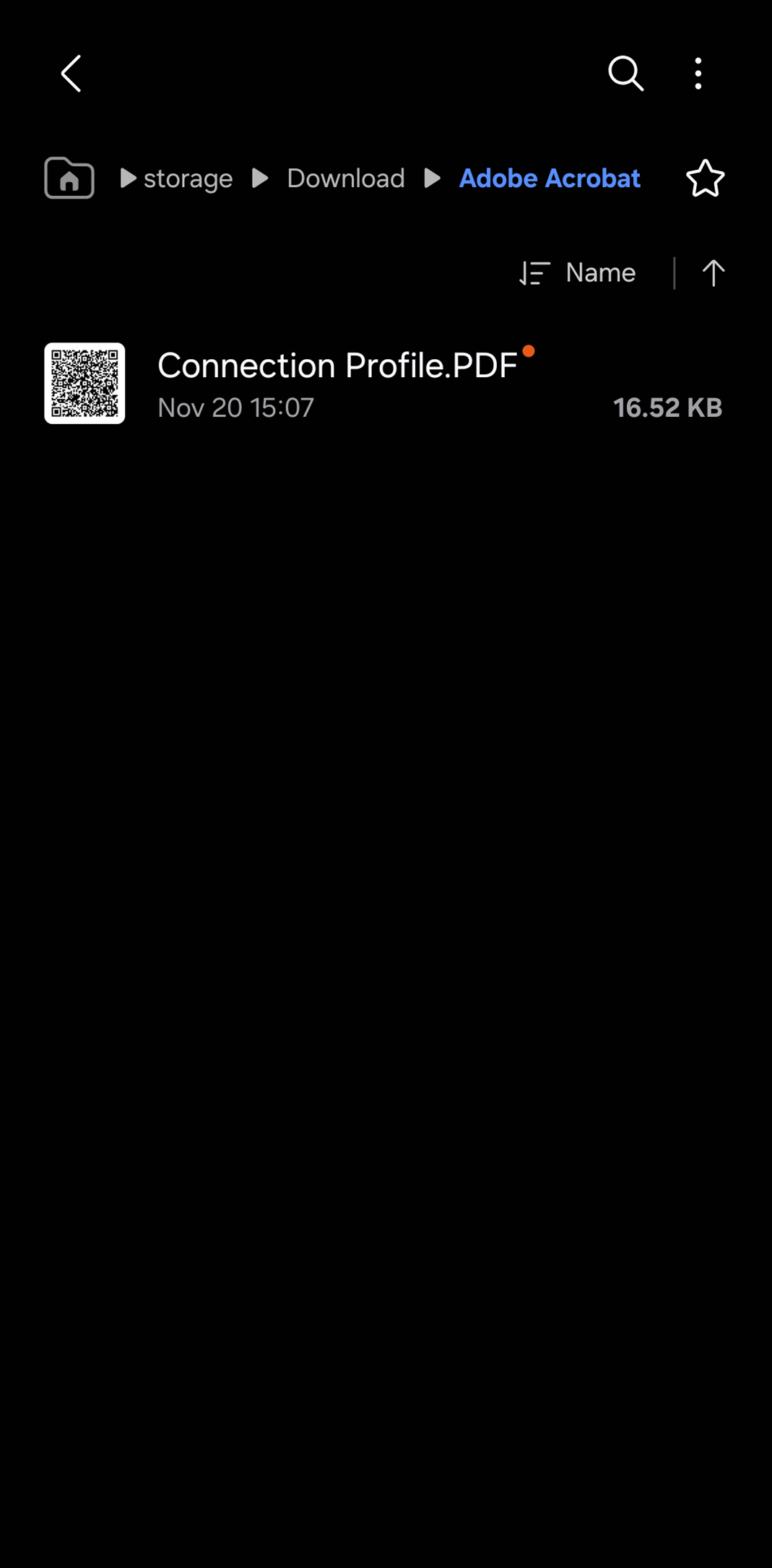
5. Locate the saved PDF file and distribute it to users who need to connect to the server.
Users can scan the QR code from any display to import the same connection profile into their mobile device, then enter their login and password to complete the connection.