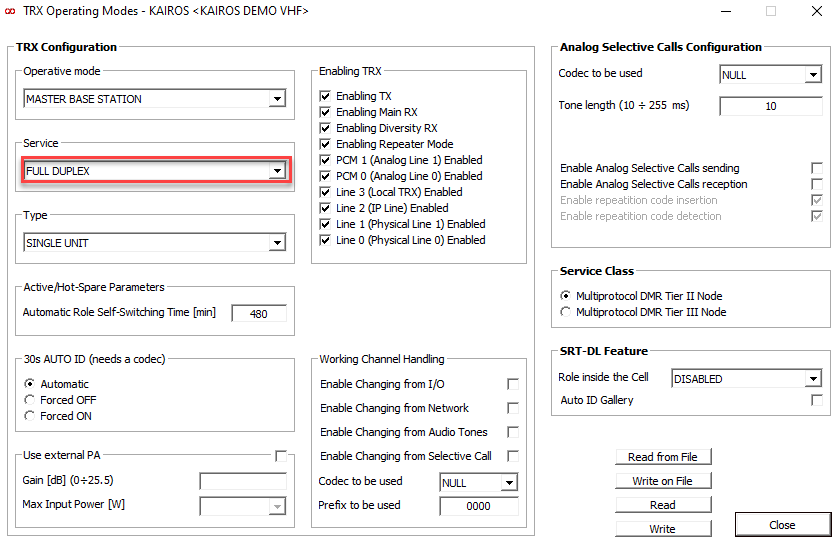
This article describes the supported features, limitations, and configuration parameters for integrating a Kairos repeater with TRBOnet.
KAIROS Manager Function Manual is available in the attached document.
Last Tested Versions
Supported Features
Not Supported Features
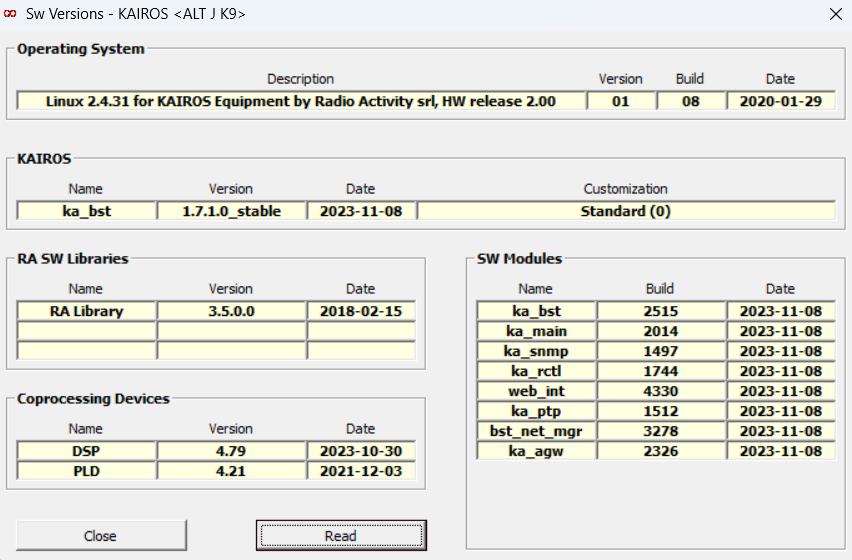
Kairos Software Version
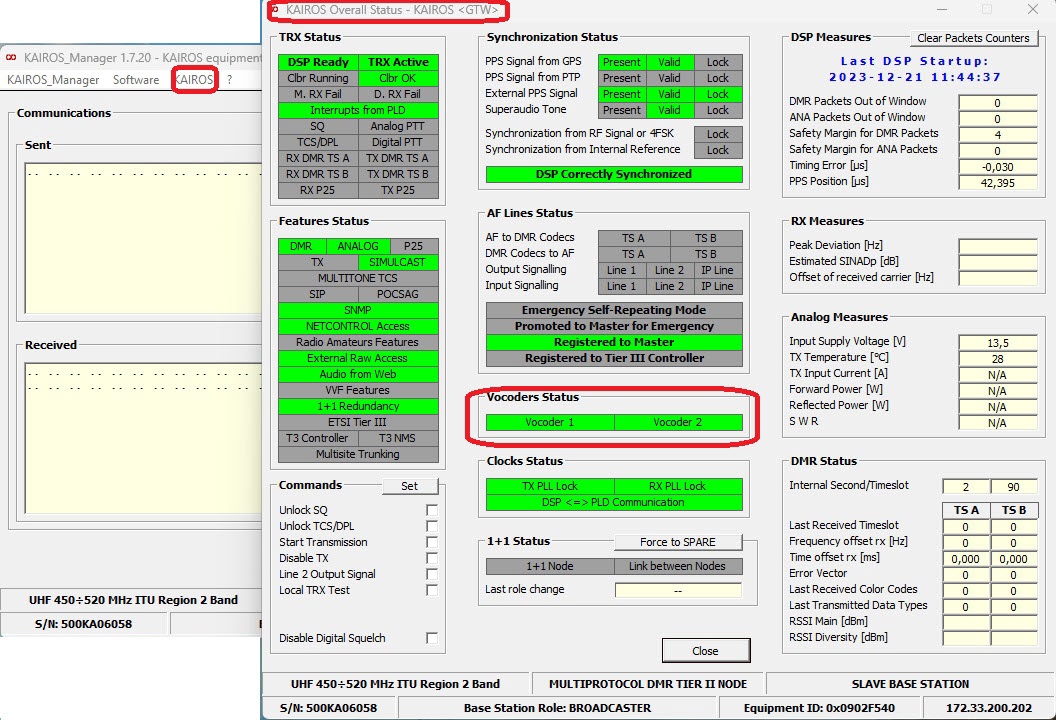
The Kairos software version is shown in Kairos Manager.
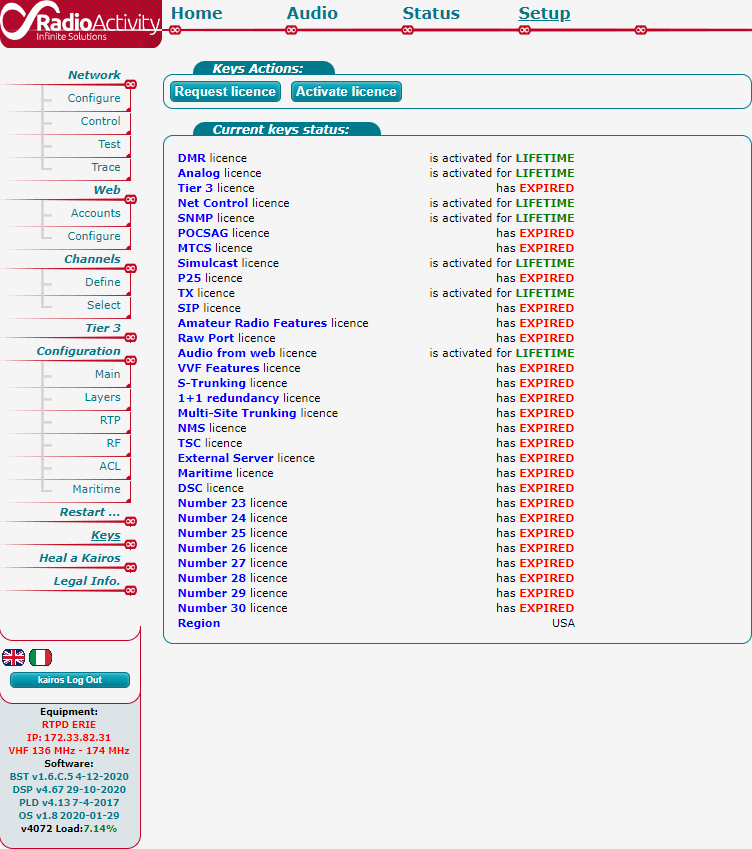
Kairos License
License information is displayed in the Kairos Web configuration page.
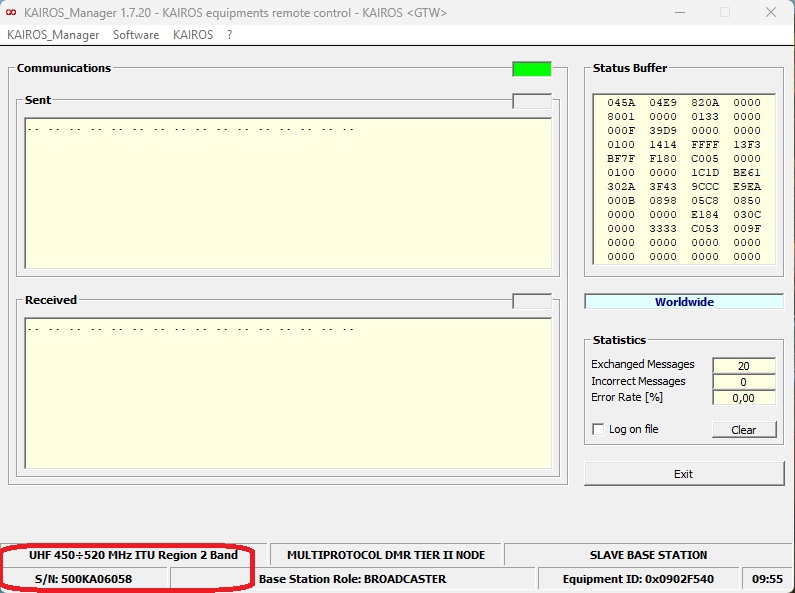
Kairos Serial Number
The serial number is shown in the equipment details section.
KA-VOC2 Board Status
The vocoder board status must show operational state for voice services.
IP Addresses and Ports
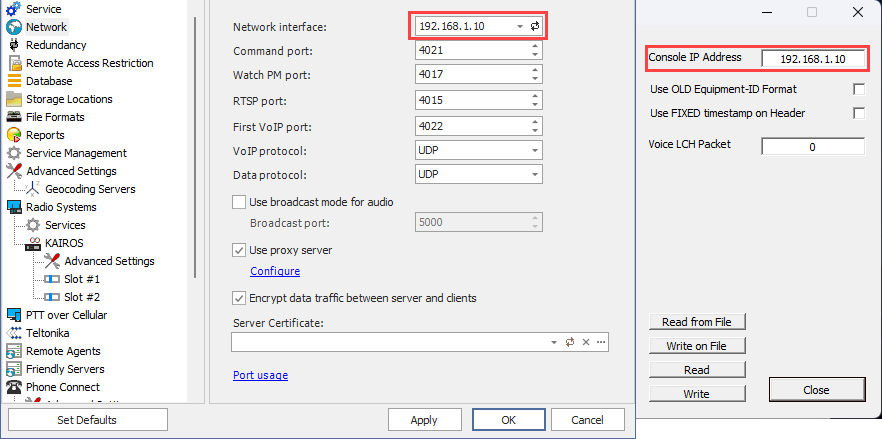
For Server to Repeater connectionin Kairos must be equal to TRBOnet Server IP address.
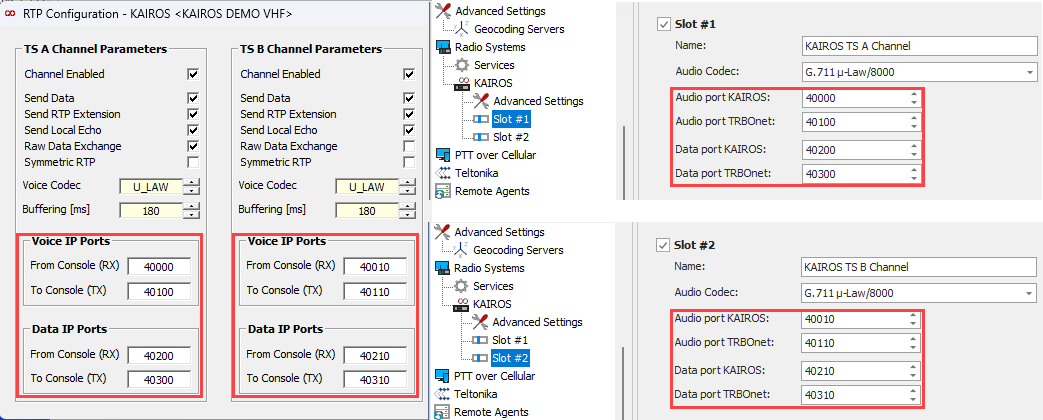
For voice transport, Console RX must match the Kairos audio TX port, and Console TX must match the TRBOnet audio RX port.
For data transport, Console RX must match the Kairos data port, and Console TX must match the TRBOnet data port.
Operating Mode
Set Operating Mode to for correct audio handling in TRBOnet.