Third-Party Mapping and Geocoding Services
The article was successfully sent to the email
TRBOnet sends a geocoding request when hovering over a radio or map object with coordinates, using Find on Map, generating reports that include street names, or performing any action that requires address lookup.
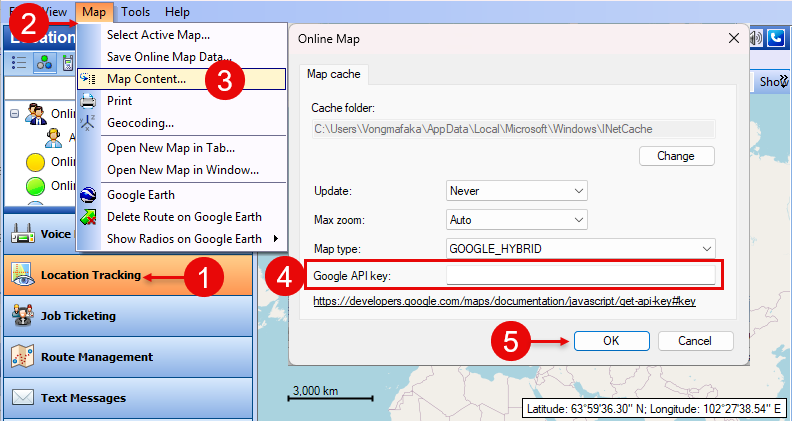
TRBOnet supports Google Geocoding API for address lookup and reverse geocoding. A valid Google API key is required.

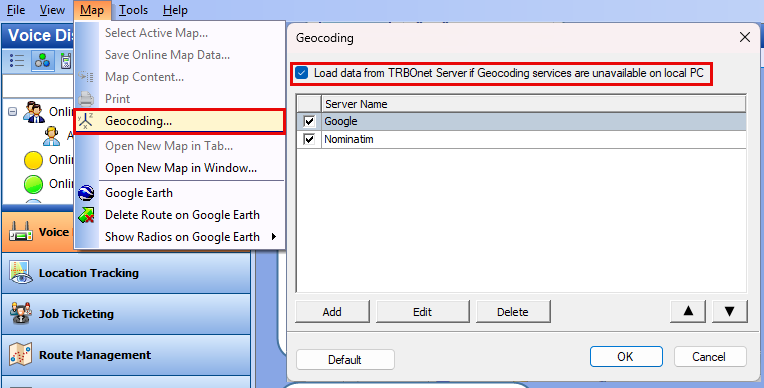
OSM Nominatim changed its request requirements. TRBOnet implements the required changes starting from version 6.2.2.7485 and newer.
Keep the parameter unchecked to reduce the number of geocoding requests.
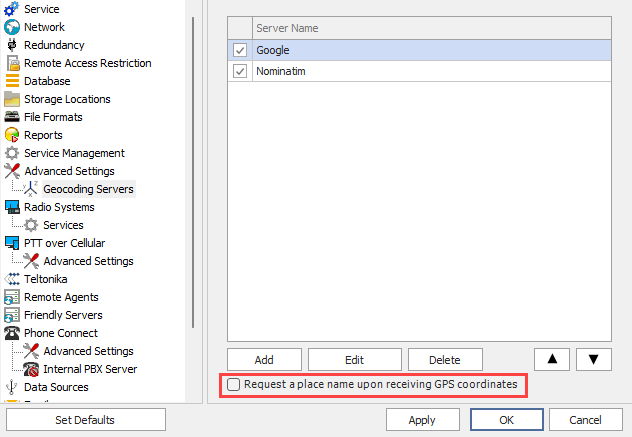
To avoid usage limits imposed by external geocoding services, you can deploy your own local geocoding server. TRBOnet can use TRBOnet Map Server or other open-source solutions such as Nominatim.
TRBOnet does not provide support for installing or maintaining non-TRBOnet geocoding servers or third-party API services.
| Provider | URL |
|---|---|
| Google Reverse | https://maps.googleapis.com/maps/api/geocode/xml?latlng={lat},{lon} |
| Google Direct | https://maps.googleapis.com/maps/api/geocode/xml?address={address} |
| Nominatim Reverse | https://nominatim.openstreetmap.org/reverse?format=xml&lat={lat}&lon={lon} |
| Nominatim Direct | https://nominatim.openstreetmap.org/search?q={address}&format=xml |
Map Services
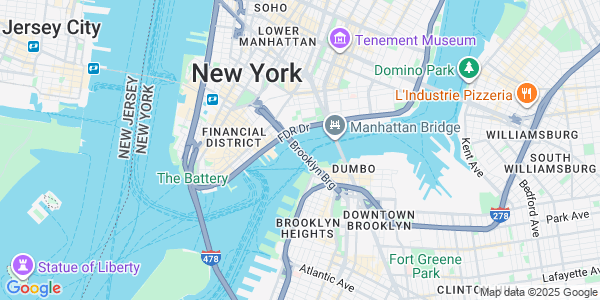
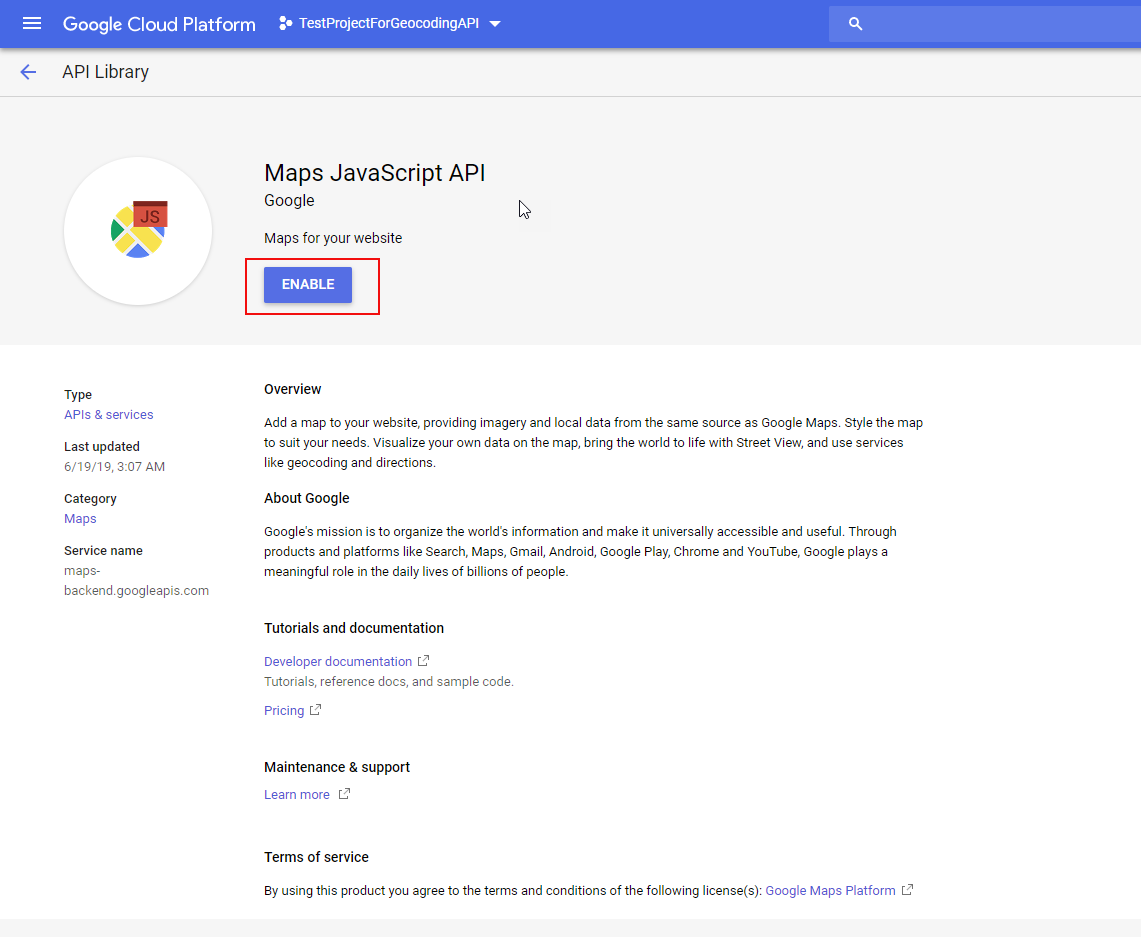
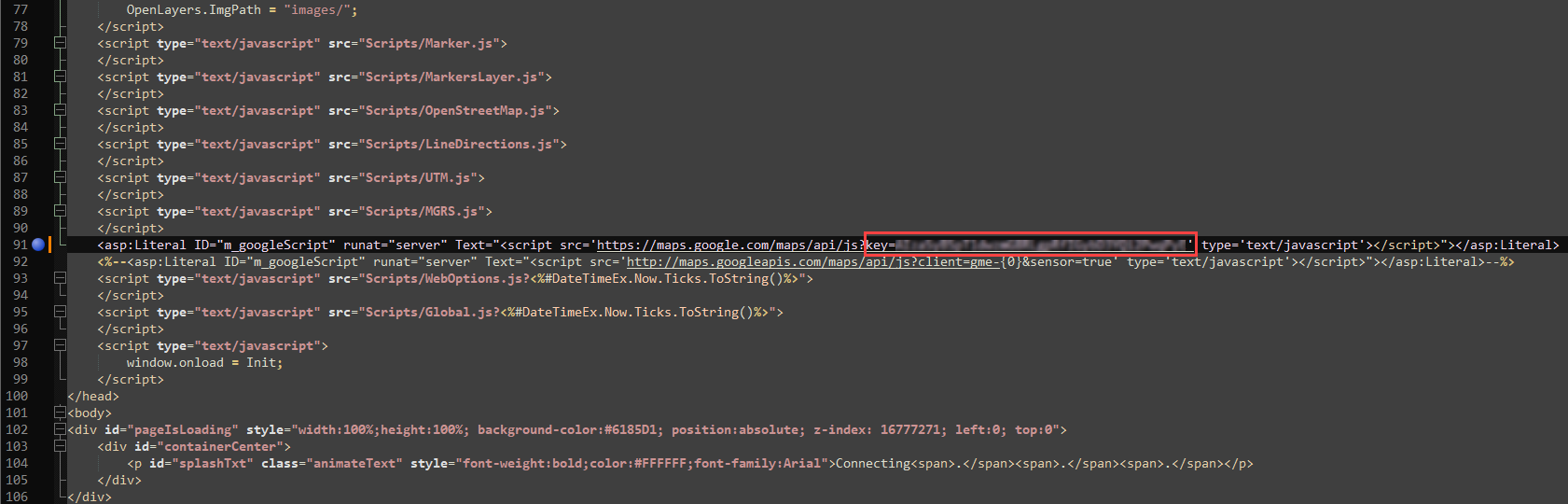
TRBOnet uses Google Maps Static API for Location Tracking and Google Maps JavaScript API for Web Console.
TRBOnet complies with the OSM Tile Usage Policy starting with version 6.4.1.8767.
Tile policy: https://operations.osmfoundation.org/policies/tiles/
| Service | URL |
|---|---|
| MAPNIK | http://tile.openstreetmap.org/ |
| THUNDERFOREST | http://tile.thunderforest.com/ |
| BING | http://t0.tiles.virtualearth.net/tiles/ |
| https://maps.googleapis.com/maps/api/staticmap |
| Service | URL |
|---|---|
| CYCLE | http://a.tile.opencyclemap.org/cycle/ |
| TRANSPORT | http://a.tile2.opencyclemap.org/transport/ |
| LANDSCAPE | http://a.tile3.opencyclemap.org/landscape/ |